image credit: medium.com
|
Social, Ethical, and Legal Issues in 21st Century Learning:
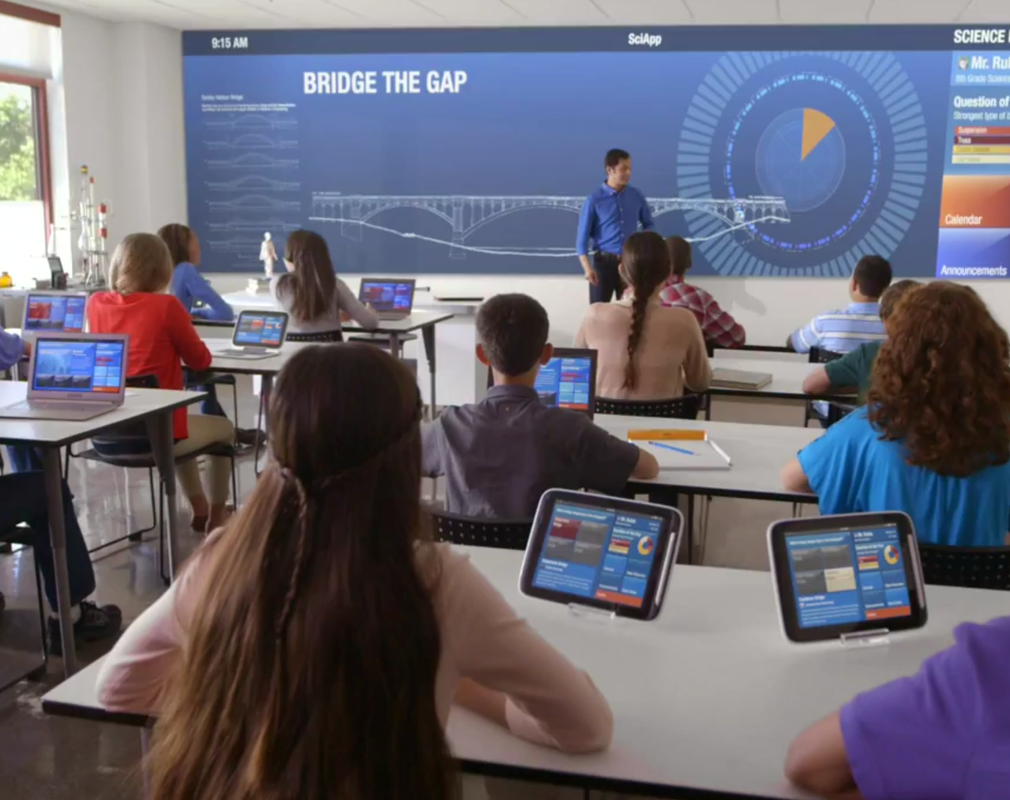
The 21st Century is filled with new opportunities for education, many of which are the result of technology. From instant information access to collaboration between different students, different schools, and even internationally. Along with all the new possibilities and resources come plenty of new and serious concerns. It has become increasingly clear that the social, ethical, and legal issues around technology in education (or at home) must be formally addressed in a constructive way at all levels of education. This website is a resource to help students, parents, and teachers use computers and online resources in a way that is safe and beneficial. |
How to use this site:
- Below are the three sections of this website that cover the social, ethical, and legal issues that concern classroom technology.
- Press the buttons for each section to discover resources for deepening understanding and tools to help manage your digital life.
- You can navigate to any page using the buttons found at the top and bottom of each page.
- (do not use the drop down menu at the top or the footer bar at the bottom for navigation)
- On the page for each topic you will find:
- Some quotes from resources as well as section titles followed by:
- A brief introduction to the topic and explanation of the resources.
- Some links to resources to help understand and manage each digital concern in your own, your children's, or your student's education and digital life.
- Finally there are buttons for navigation to the other parts of the website.
- There is also a forum where you can find additional resources and share your own ideas and impressions!
- References and resources are listed and linked on the references page.
Navigation